Steal an Exhibit Controls
Interact, E, and tap prompts for steal, unpack, lock, and treadmill — no invented keybinds.
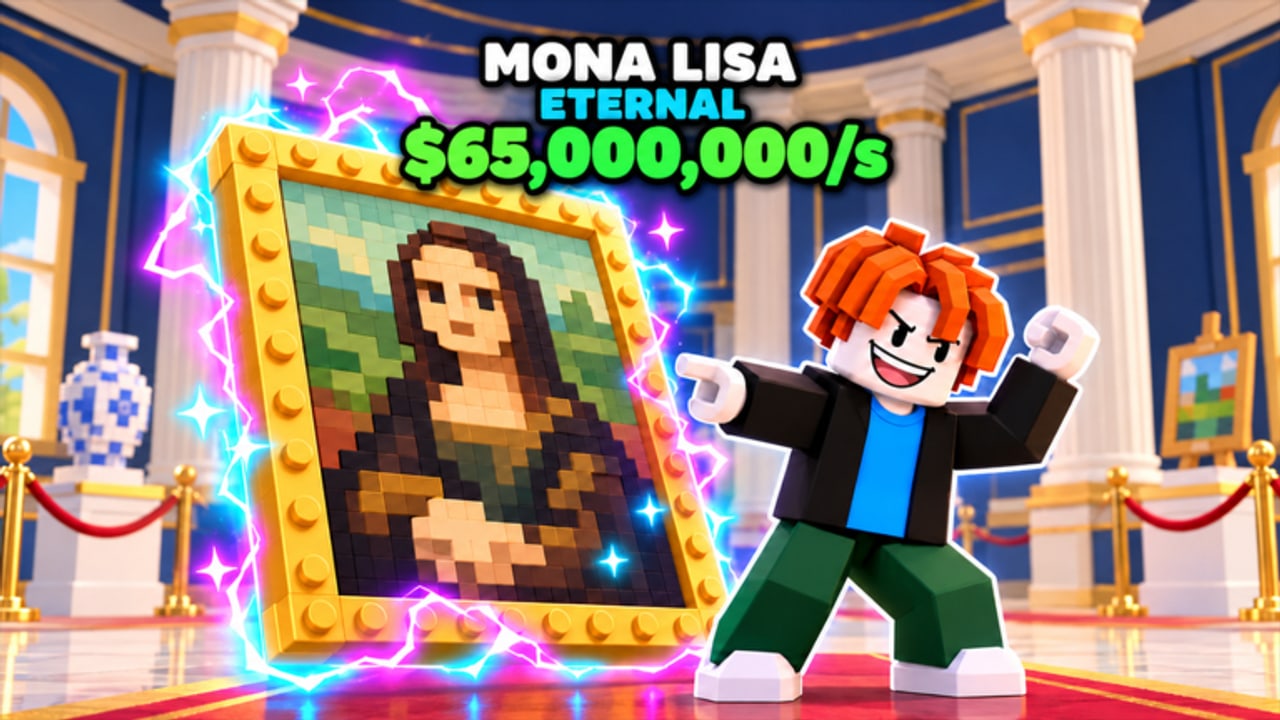
Steal an Exhibit lists Desktop, Mobile, Tablet, and Console on the official Roblox page. The verbs are the same on every device: steal a crate, unpack it on your gallery, lock the plot, walk a treadmill, equip a trail. The prompts are not. This page describes Interact, E, or tap the crate — the labels the HUD actually prints — and refuses to invent a keybind table the listing does not publish. We will not guess Shift, Ctrl, Q, or a gamepad face button the HUD never names.
Steal
Walk up to a crate in a museum wing. Wait for the prompt. On PC that prompt is often Interact or E. On mobile and tablet it is a tap on the crate or an on-screen Interact button. On console it is the platform Interact control shown in the prompt, not a keyboard E this wiki invents.
Tap or confirm once. Do not mash. Carry one crate. If the door was red, you did not fail the prompt — you failed Speed. Go back to a belt. Routes after the grab live on how to steal. Night makes a slow confirm expensive; read night guardians before you wait in a dark wing for a second prompt. If nothing appears, you are too far from the crate, another player already took it, or the wing is still streaming. Move closer.
Unpack
Back on your plot, walk to an open slot with the crate. Place and unpack use the same Interact / E / tap language. Confirm, then wait. Unpacking is a timer. Cash per second starts after the reveal, not while you hold the box. x2 Unpack Speed (199 Robux) doubles that timer later; it is not a control scheme. Details sit on crates and exhibits.
If the prompt will not fire, the slot is full, the lock is on, or you are in the aisle instead of on the pad. Unlock, step onto the slot, try Interact again. On mobile, tap the crate, not the wallpaper behind it.
Lock the plot
Look for a Lock or Base Lock control on the HUD or at the plot entrance. Use the on-screen label. We will not name a keyboard shortcut the HUD does not print. Lock when you train, open the index, tab out, or queue a rebirth. Unlock when you are about to place a crate. A lock that stays on during unpack wastes the timer. A lock that stays off during a belt session donates the floor.
Six players share the server. Lock is the only armor the listing implies. Put high-income pieces in the back. The full habit is on how to protect. Controls will not save an Eternal left on the rope.
Treadmill
Stand on a treadmill in the plaza or on your base. You do not need a special train key. Presence on the belt is the input. Each default step is +1 Speed. Storm Dragon Treadmill (149 Robux), Sakura Treadmill (349), and Infinity Treadmill (699) work in the plaza or on your base, in both worlds, with more Speed per step in World 2. Auto Training (199) trains without a belt, including offline. That pass is not a keybind. Longer grind notes live on Speed training. If Speed is not rising, you are not on the belt.
Trail equip
Open the trail shop or the equipped-trail slot the HUD shows. Select a trail you own. Confirm with Interact / E / tap. Trails multiply Speed. Infinity Trail (1,299 Robux, x30) is a pass, not a control. Compare multipliers on the trail shop before you tap buy.
Platform differences
PC: look for Interact or E at the crate, the slot, and the lock. Mouse-look toward the object. If the prompt is missing, you are aimed at a wall.
Mobile and tablet: tap the crate or the thumb button labeled Interact. Close distance with the on-screen joystick first. Rotate the camera so the prompt sits on the box.
Console: press the Interact icon the prompt draws for your pad. Do not assume a keyboard E exists.
All four platforms play the same six-player tycoon. First hour is on Getting Started. Starter crate choice is on best starters.
Flying Carpet is not a control scheme
Flying Carpet costs 299 Robux and grants a x3 fly. It is a gamepass, listed with Auto Training and the treadmill passes, not a default movement mode and not a key you unlock by leveling. After you own it, follow the in-game fly prompt — still Interact or an on-screen button, not a bind this wiki will invent. Buy it after you can survive a night run on foot. Rank it on the gamepass tier list as mobility, not as a replacement for lock, unpack, or the steal tap. If your client never shows a fly prompt, you do not own the pass. Tapping E on the floor will not sprout a carpet.
Frequently Asked Questions
Quick answers for Steal an Exhibit on Roblox.
What is the steal key in Steal an Exhibit?
Whatever the HUD prints: Interact, E, or a tap on the crate. This wiki will not invent extra keybinds.
Do mobile and console use the same controls as PC?
Same verbs, different prompts. Mobile and tablet tap the crate. Console uses the Interact icon shown on the pad prompt.
How do I lock my plot?
Use the Lock or Base Lock control on the HUD or at the plot entrance. Follow the on-screen label, then unlock only to place a crate.
Is there a key for the treadmill?
No. Stand on the plaza or base belt. Auto Training (199 Robux) is a pass that trains without standing there.
Is Flying Carpet a default control?
No. It is a 299 Robux pass with x3 fly. It is not a control scheme and it does not replace Interact.